Windows, macOS, and desktop browsers
How to Download TikTok Videos on PC or Mac
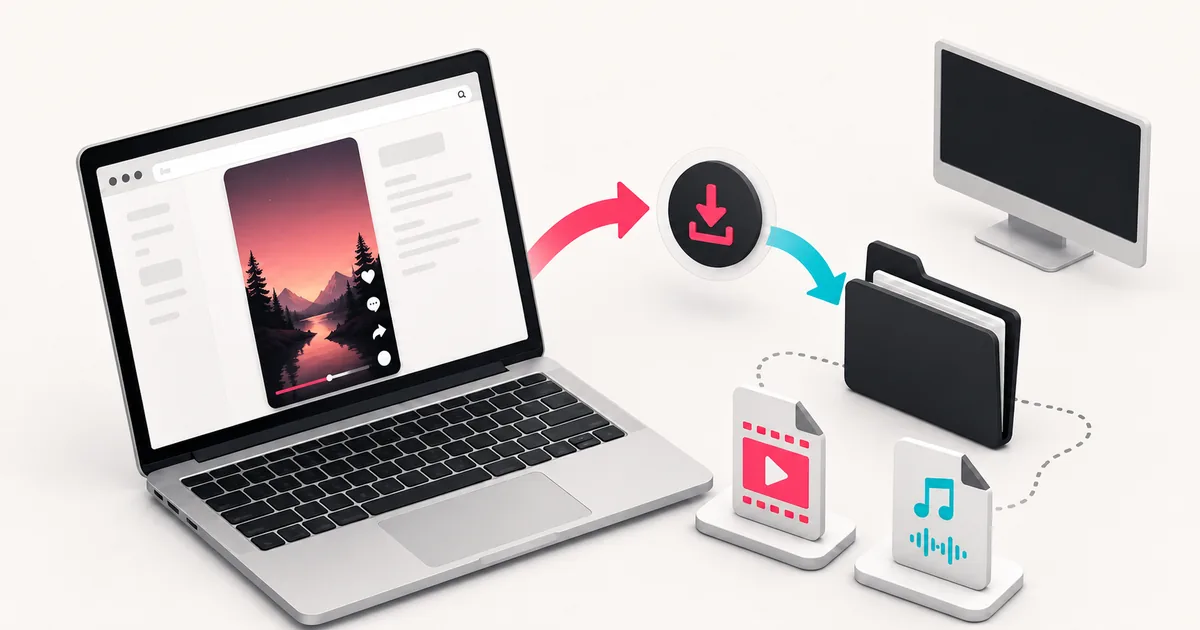
Download a TikTok video on a computer by copying the public post URL, choosing a file in SSSTikVid, and checking the browser's download history. Chrome, Edge, Firefox, and Safari use different menus, but the saved file normally goes to the configured Downloads folder.
Steps
- 1
Open the individual public post
Use TikTok's Share > Copy link action or copy the address of the open post. Check the path before leaving TikTok so you do not paste a profile URL by mistake.
- 2
Submit the URL to SSSTikVid
Open ssstikvid.net in another tab, paste the link, and press Download. One clear submission is better than opening several result tabs for the same post.
- 3
Compare the available files
Choose by media type, format, and any quality information shown. SSSTikVid leaves a detail blank when the source does not supply it.
- 4
Start one download
Select the file you want and watch the browser download tray or indicator. If the browser shows a warning, pause and read it rather than immediately overriding it.
- 5
Show the file in its folder
Open the browser's Downloads page and use its show-in-folder action when available. This avoids guessing whether the file went to Downloads, Desktop, or a custom location.
| Browser | Where to check first | Useful setting |
|---|---|---|
| Chrome | Download tray or More > Downloads | Settings > Downloads controls the location and save prompt. |
| Microsoft Edge | Downloads button or menu > Downloads | Download settings control the folder and ask-before-saving option. |
| Firefox | Downloads button or menu > Downloads | Files and Applications settings control save behaviour. |
| Safari on Mac | Downloads button or View > Show Downloads | Safari settings control the download location. |
Default download folders on Windows and Mac
Google documents the default Chrome locations as the user's Downloads folder on both Windows and macOS. Another browser or a changed setting can use a different location, so the browser download history is more reliable than searching the whole computer.
Use “Show in folder” or its equivalent before downloading the post again. If the first copy finished, another click only creates a duplicate.
Choose video, photo, or MP3
Choose video when you need the visual post. Choose MP3 only when an audio result exists or a conversion finishes. For a slideshow, the photo downloader presents the images as separate files and may offer a ZIP package.
Do not rename an MP4 file to MP3 or JPG. A filename extension does not convert the content, and the renamed file may stop opening correctly.
If the browser opens the media instead of saving it
Return to the SSSTikVid result and use the labelled download action. If the browser still displays the file in a tab, use the browser's save control or context menu where available.
A preview is not necessarily an extraction failure. The TikTok link was already processed; the remaining step is controlled by the browser and file response.
Extensions and download managers
A download extension, privacy add-on, antivirus product, or corporate browser policy can intercept the final file. If SSSTikVid shows the correct result but the save action behaves unexpectedly, compare the same action in a private window with optional extensions disabled for that test.
Do not weaken organisation-managed security settings. On a work or school computer, use a permitted device or ask the administrator when policy blocks media downloads.
File names and duplicate downloads
SSSTikVid creates a safe filename beginning with “SSSTikVid” and the media role. It does not copy a full caption into the filename because captions can contain unsupported characters or be too long for the file system.
If a number appears at the end of the name, the browser probably preserved an earlier copy. Compare file time, size, and playback before removing anything.
Using a shared computer
A downloaded file, browser history entry, and recent-file entry can remain after the tab closes. Save only public media you are authorised to use, sign out of personal accounts, and remove local copies only when you have permission to manage that computer.
Questions users ask
Can I change the download folder?
Yes. Your browser settings control the default location and whether you are asked where to save each file.
Where does Chrome save files by default?
Chrome documents the user's Downloads folder as the default on current Windows and macOS systems unless the setting was changed.
Why is the file name different from the TikTok caption?
SSSTikVid uses a short, safe filename based on the media role and returned details instead of copying the full caption.
Why did the video open in a new tab?
The browser displayed the media response instead of saving it immediately. Use the browser save control or return to the labelled result action.
Can a browser extension stop the download?
Yes. Download managers, privacy extensions, antivirus tools, and organisation policies can intercept or block the final file.