Choose the guide that matches your task
TikTok Download Guides
Use this guide library when you need more than the download box. Pick a device guide to follow the complete save-and-find-file workflow, or start with the link, error, and permission guides when the problem happens before a file reaches your device.
Start with what happened
The fastest route is to identify where the process stopped. A copied link, a media result, and a saved file are three separate stages, so the right fix depends on which stage you reached.
- The post link works and a download started: use the guide for your device to locate the file.
- SSSTikVid rejected the link before showing media: check the accepted link shapes and copy the post URL again.
- An error code or unavailable message appeared: match it in the troubleshooting guide.
- The file is ready but you plan to repost, edit, or publish it: review permission before using it.
Download and find files by device
A browser can finish a download without placing the file in the phone's photo library. The device guides explain the full path from TikTok's Share menu to the browser download list and the folder where the file is normally stored.
Choose the guide that matches the browser you are using. Menu names can differ in another browser, but the same three checkpoints still apply: submit a public post URL, choose an available result, then open that browser's download history.
Choose the right downloader
The homepage is the starting point for a standard public TikTok video. Use the photo page when the post is a slideshow, the MP3 page when you only need available audio, the Story page while a public Story is still active, and the bulk downloader when you have up to 5 links to process together.
Different posts can produce different choices. A page name describes the output it prioritises; it does not guarantee that every source contains that media.
When the download does not start
Do not keep submitting the same link without reading the message. A malformed URL, a private or deleted post, a temporary gateway failure, and a browser download block require different actions.
The troubleshooting page maps the messages used by SSSTikVid to useful next steps. The supported-links reference explains the exact TikTok hostnames and post paths accepted by the current validator.
Before you reuse a download
Being able to view a post publicly is not the same as receiving permission to republish it. A post can combine a creator's video with music, artwork, a person's likeness, or other material controlled by someone else.
The permissions guide provides a practical pre-use checklist. It does not decide ownership or replace legal advice, but it helps separate personal saving from editing, reposting, and commercial use.
Questions users ask
Which guide should I read first?
Choose your device if the result appeared and a file started downloading. Choose troubleshooting if SSSTikVid showed an error or no media. Choose supported links if you are unsure what URL you copied.
Do I need to read every guide?
No. Each page is designed to solve a separate task. Start with one page and follow its related links only if your problem crosses into another stage.
Do the guides guarantee that a post can be downloaded?
No. The source must remain public and available, and the result can contain different media choices for different posts.
Are the featured images product screenshots?
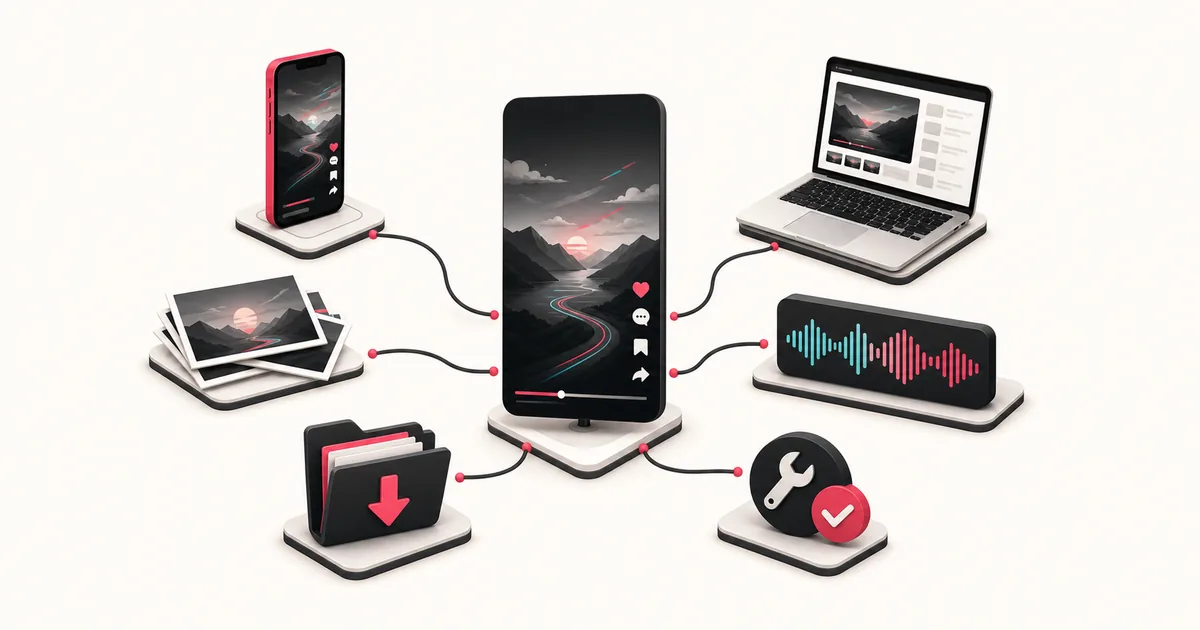
No. They are original editorial illustrations used to explain the topic. Product and device instructions are written separately and do not rely on the artwork as evidence.