iPhone and iPad
How to Download TikTok Videos on iPhone
Download an available TikTok video in Safari, find the file in the Files app, and move it to Photos only if you want it in your camera library. The important detail is that a completed Safari download normally appears in Files first.
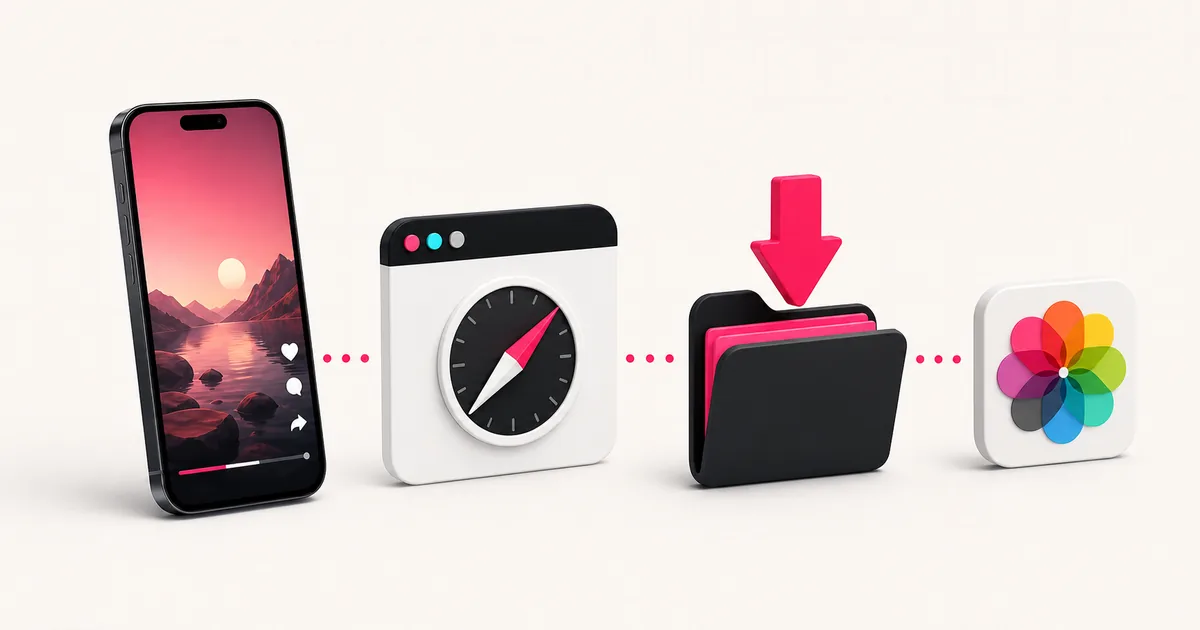
Steps
- 1
Copy the post link in TikTok
Open the individual video, tap Share, and choose Copy link. A creator profile, search result, sound page, or copied caption is not a downloadable post URL.
- 2
Open SSSTikVid in Safari
Go to ssstikvid.net, paste the link into the field, and tap Download. Keep the page open while the available media choices are prepared.
- 3
Choose the file you want
Use the video option shown in the result and read its format and quality labels before tapping. The downloaded video does not include the TikTok watermark.
- 4
Check Safari's download status
A download indicator can appear beside Safari's address field. Open it to see whether the file is still downloading, completed, or failed before starting the same download again.
- 5
Find the video in Files
Open Files, choose Browse, open iCloud Drive, and then Downloads. If your Safari download location was changed, check the location selected in Safari settings instead.
- 6
Move it to Photos only if needed
Open the video in Files and use the Share menu. A compatible file may offer a save action for Photos. If that action is absent, keep the original in Files rather than repeatedly downloading it.
Why the video is in Files, not Photos
Safari treats a direct media download as a file. Apple documents the Downloads folder in the Files app as the place to find internet downloads on iPhone and iPad. The Photos library is a separate destination.
This distinction prevents a common false alarm: the download may have succeeded even though nothing new appears in Photos. Check Safari's download list and Files before trying again.
If Safari opens a video preview
A browser can display a playable preview instead of immediately showing the Files app. First use the labelled download action on the SSSTikVid result. If Safari opens the media, use the controls available in that view or return to the result and tap once more.
Avoid pressing the same button many times. Duplicate taps can create multiple copies with similar names, which makes it harder to tell which file completed.
If you cannot find the download
Open Safari's recent downloads and check whether the item completed. Then search the Files app for “SSSTikVid” because downloaded files use a safe name beginning with the site name and media role.
- Check iCloud Drive > Downloads, the location used in Apple's current support instructions.
- Check On My iPhone if Safari was configured to save locally.
- Look for a partially completed or failed item in Safari before submitting the TikTok URL again.
- Confirm that iPhone storage and, when used, iCloud storage have room for the file.
If the video will not move to Photos
Keep the downloaded file in Files and try playing it there. If it plays in Files but Photos does not offer a save action, the issue is the handoff to the photo library rather than the original download.
Do not rename the file extension to force compatibility. Changing “.mp4” text does not convert the underlying video. Use the file as provided or choose another video option if the result offers one.
Choose video, photos, or audio before downloading
Use the video downloader for a normal post, the photo downloader for a slideshow, and the MP3 page when you only need an available audio track. Choosing the matching page makes the result easier to read, but the source still determines what files exist.
Privacy on a shared iPhone or iPad
Downloads can remain visible in Safari history and Files after the browser tab is closed. If the device is shared, move or remove files only when you are authorised to do so. Never paste private TikTok URLs, login cookies, or account credentials into the downloader.
Questions users ask
Why is the video in Files rather than Photos?
Safari saves internet downloads to its configured file location. Photos is a separate library, so moving a compatible video there is an optional second step.
Does this require an iPhone app?
No. The SSSTikVid workflow runs in Safari and the finished file is managed with the built-in Files app.
Can I use Chrome on iPhone instead?
You can use another current browser, but its download list and handoff menus may differ. This guide uses Safari labels so the steps remain specific.
Why did I get two copies of the same video?
The download action was probably tapped more than once. Compare the file time and size in Files, keep the completed copy, and remove duplicates only if you no longer need them.
Can SSSTikVid put the video directly in Photos?
The browser and iOS control the final location. SSSTikVid delivers the selected file; moving it from Files to Photos is handled on the device.