Android phones and tablets
How to Download TikTok Videos on Android
Use Chrome to download an available TikTok video, then find it through Chrome Downloads or the device's Files app. A successful download does not always appear in Gallery immediately, so check the browser's download record first.
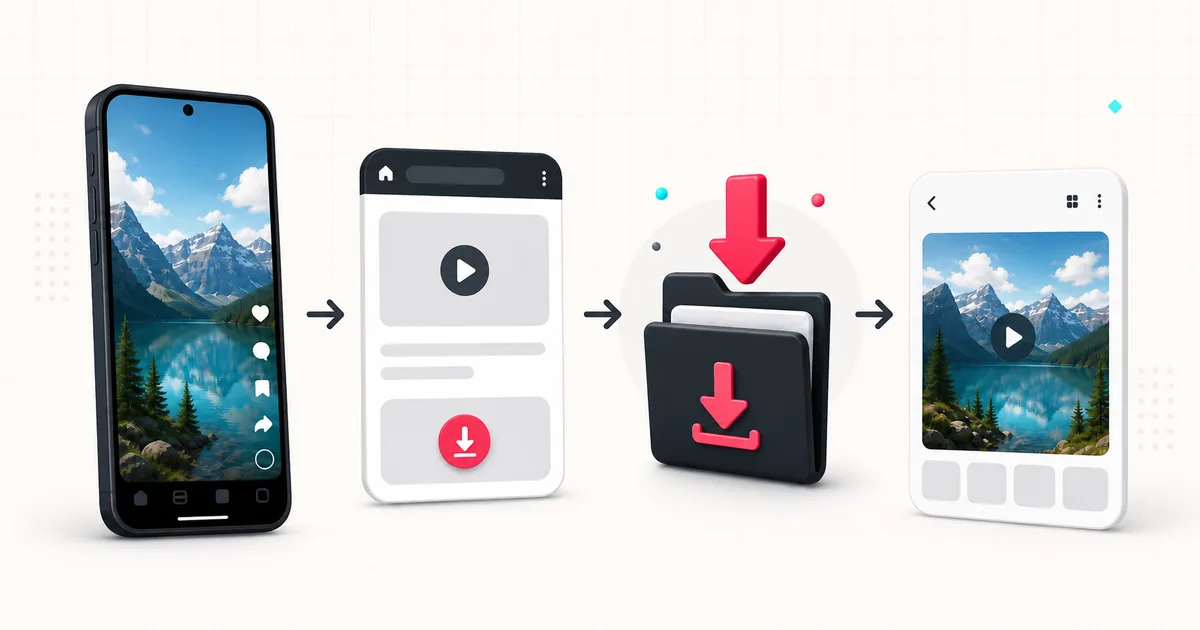
Steps
- 1
Copy the individual TikTok post URL
Open the video, tap Share, and choose Copy link. Copying the creator profile or a search page does not identify one downloadable post.
- 2
Paste the link into SSSTikVid
Open ssstikvid.net in Chrome, paste the copied URL, and tap Download. Wait for the result instead of switching between several submissions.
- 3
Choose an available result
Tap the video, photo, or audio action you need. The labels in the result describe what is available for that post; they are not the same for every URL.
- 4
Watch the browser download
Chrome shows download activity and can report a failure, pause, or security warning. Read that message before repeating the action.
- 5
Open Chrome Downloads
Tap Chrome's menu and choose Downloads. If the address bar is at the bottom, Chrome may also expose Downloads after you swipe up on the bar.
- 6
Find the file outside Chrome
Open the device's Files app and check Downloads. Some manufacturers give the file manager a different name, but Chrome's own Downloads list remains the most reliable starting point.
Why the file is missing from Gallery
Gallery apps display media they have indexed; they are not a complete list of browser downloads. A video can exist in the Downloads folder before a gallery app notices it, and an MP3 or ZIP file may never belong in Gallery.
Open the file from Chrome Downloads or Files first. If the video plays there, the download worked. You can then move or share it using the controls provided by your device.
When Chrome shows a download warning
Treat browser security warnings seriously. Verify that the address is ssstikvid.net and that the file type matches the result you selected. Do not turn off Safe Browsing or device protection globally just to save one file.
If Chrome blocks the file, note the exact warning and stop if the file or destination is unexpected. A legitimate guide should not ask you to install an app, APK, extension, or profile to complete a normal media download.
Storage permission and free space
Android and the browser decide when a file-access prompt is needed. Approve only a permission that clearly belongs to saving or opening the selected file. SSSTikVid does not need contacts, messages, camera, microphone, or TikTok account access.
- Check device storage if Chrome reports that the file cannot be saved.
- Use Chrome Downloads to resume or remove an incomplete item.
- Avoid changing the extension when a video or audio file will not open.
- If an SD card is selected as the download location, confirm that it is mounted and writable.
Samsung Internet, Firefox, and other browsers
The downloader can run in another current browser, but this guide cannot use Chrome menu names for every app. Open that browser's own download manager, then look in the system Downloads folder.
If the page works in Chrome but not another browser, compare content blockers, download permissions, and private-mode settings before assuming the TikTok link is the problem.
Why a file appears more than once
Every completed press of a download action can create another copy. Android may add a number to the filename rather than replacing the earlier file. Check the time and size in Downloads before retrying.
Use the tool that matches the post
A normal video belongs on the homepage. A slideshow is easier to manage through the photo downloader, which can show images individually and may provide ZIP when several photos are available. Use the MP3 page only when the post has usable audio.
Questions users ask
Does Android need storage permission?
Android and the browser control file access. Follow a prompt that clearly relates to the download, and decline unrelated requests for contacts, camera, microphone, or account access.
Why did the file save twice?
The download action was probably pressed more than once. Chrome may preserve both copies with slightly different names.
Where does Chrome save TikTok videos?
Chrome uses its configured download location. Start with Chrome > More > Downloads, then open the device's Files app and check Downloads.
Why can I play the file in Files but not see it in Gallery?
The download completed, but the Gallery app may not have indexed it or may not display that file type. Manage the original in Files.
Do I need to install an APK?
No. SSSTikVid runs in the browser. Do not install an APK or extension presented as a requirement for the download.